

Kami Hair Tools - Sculpt - Misc
A collection of custom workflows for auto selection, generate clumping maps, and guide operations.
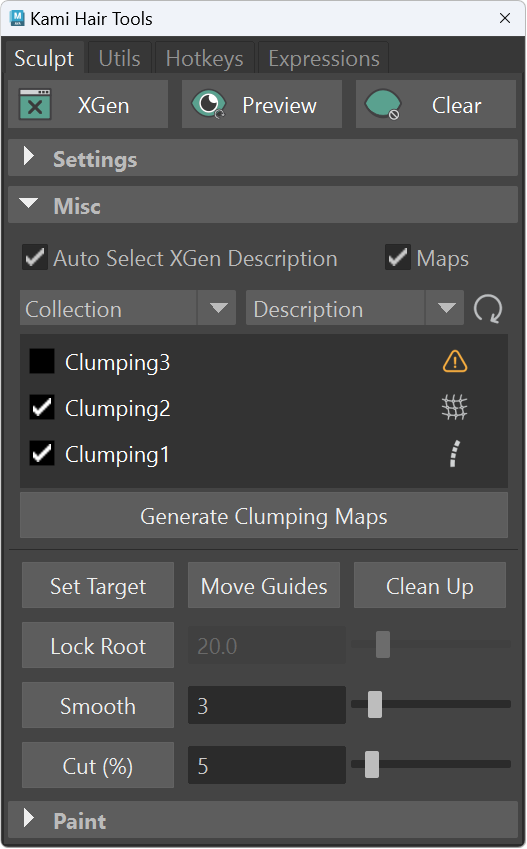
Auto Select
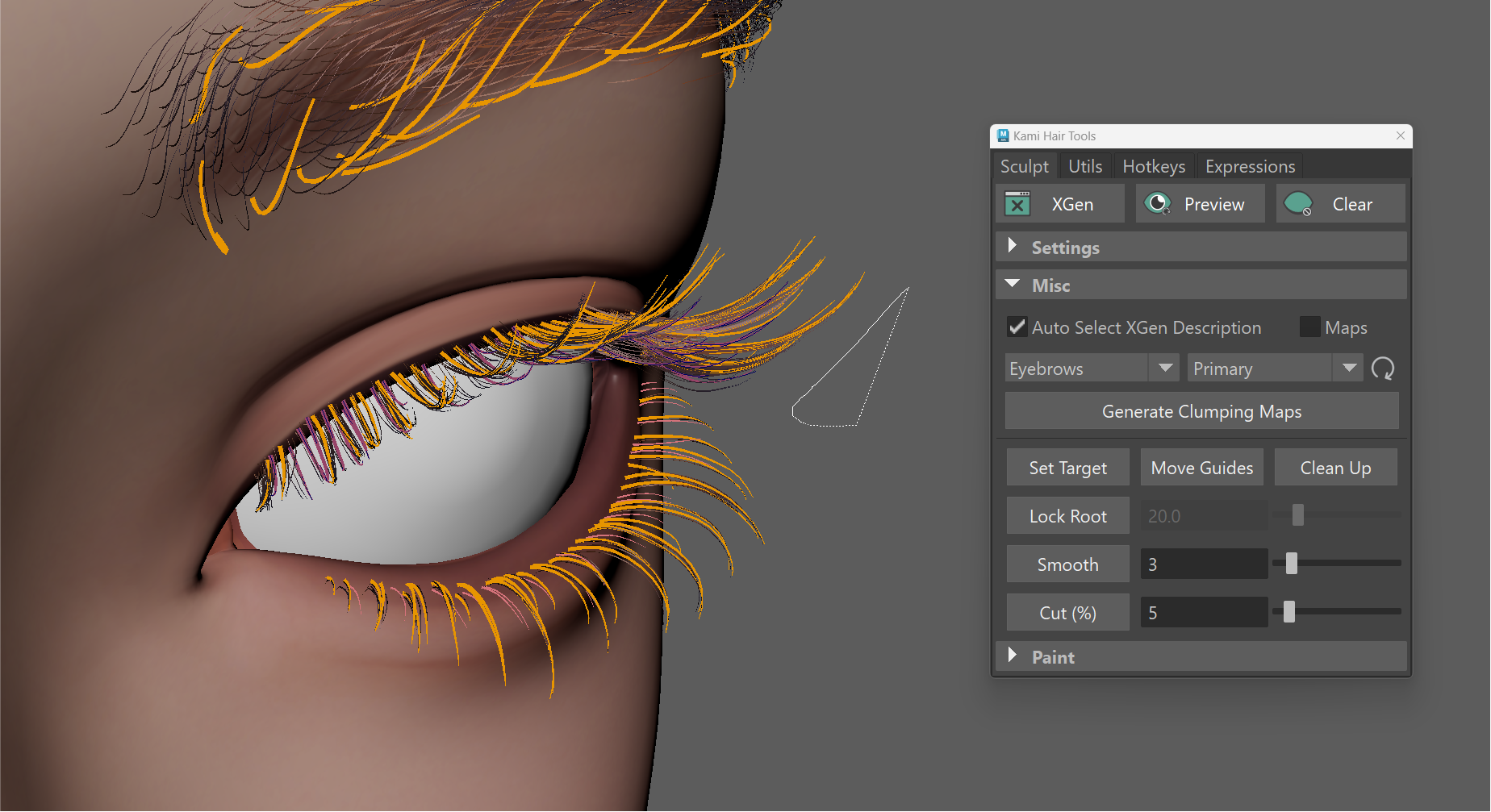
- Auto Select XGen Description: When enabled, the first selecting guide will be used to determine the active Description in the XGen window automatically.
- Collection Dropdowns: Centralized controls to switch between Collections and Descriptions instantly without navigating the main XGen hierarchy.
- Commands:
kami.auto_select()
Modifiers Listing
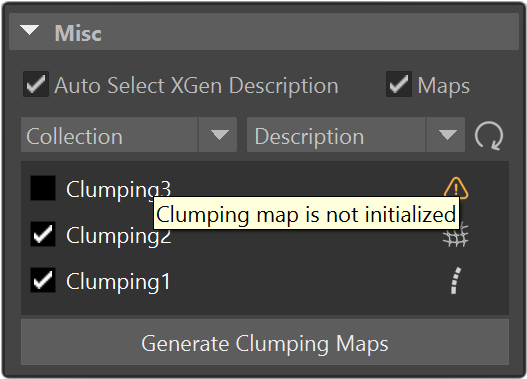
- Displays the clumping modifiers for the current description. You can access the "Generate Clumping Maps" window by clicking the corresponding icon.
| Description | Condition | Indicator |
|---|---|---|
| Warning - No clump guides found. | Map uninitialized |  |
| Guide-based - Generated from native XGen guides. | Density = 1.0 |  |
| Generate-based - Generated across the mesh surface. | Density ≠ 1.0 |  |
- Batch generates maps for multiple clumping modifiers at once.
- Simply toggle the desired modifiers in the list and click Generate Clumping Maps. This bypasses the need to open individual modifier tabs in the XGen window.
- Commands:
kami.clumping()
Guide Utilities
- Set Target / Move Guides / Clean Up: Shortcuts to the Target Guide Utilities provided by XGen.
- Commands:
kami.target('set')kami.target('move')kami.target('clear')
- Commands:
Lock root
- Locks the base of selected guides up to a specified percentage. Useful to prevent accidental changes to the root shape when sculpting with Lock Length enabled.
- Performance Note: This feature performs calculations repeatedly. To ensure Maya runs smoothly, we recommend selecting only the specific guides you are working on, and toggle this feature off after sculpting.
- Tips: Combined commands (link)
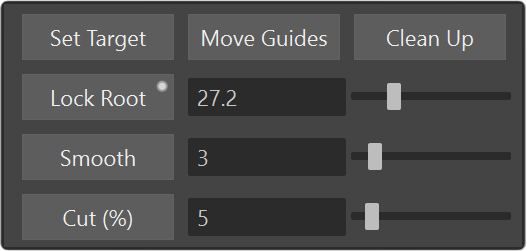
- Commands:
kami.lock_root()kami.lock_root(True)
Smooth
- Applies smoothing to the selected guides based on input value.
- Usage Note: If Lock Root is enabled, the smoothing operation will respect the locked proportion. Useful to smooth the hair body and tips while preserving the shape from root.
- Commands:
kami.smooth()kami.smooth(strength)
Cut
- Shortens a percentage of selected guides based on the slider value.
- Commands:
kami.cut()