Kami Hair Tools - Utilities - Guides
Tools to capture silhouettes by snapping guides to target meshes, calculating overlaps, and transforming guide roots.
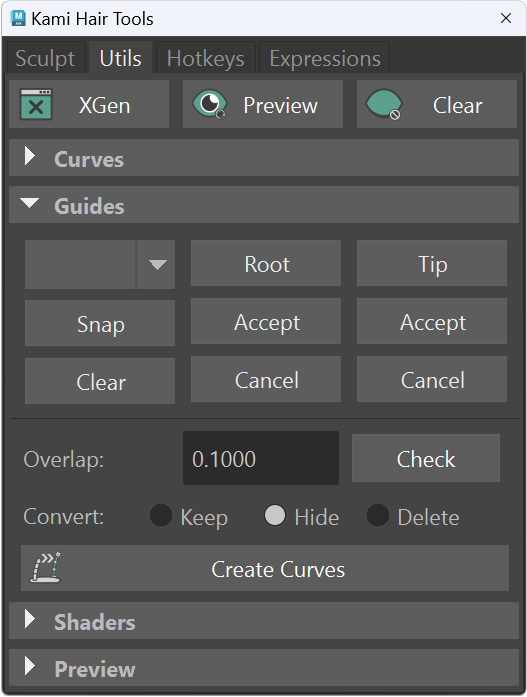
Snap Guide(s)
- Useful to capture silhouette from hair blockout or existing assets.
- The snap target must be set with only 1 polygonal mesh and by selecting the 'Set Target' option in the blank dropdown.
- After that the mesh's name will be stored and used as a target to snap XGen guides by nearest positions.
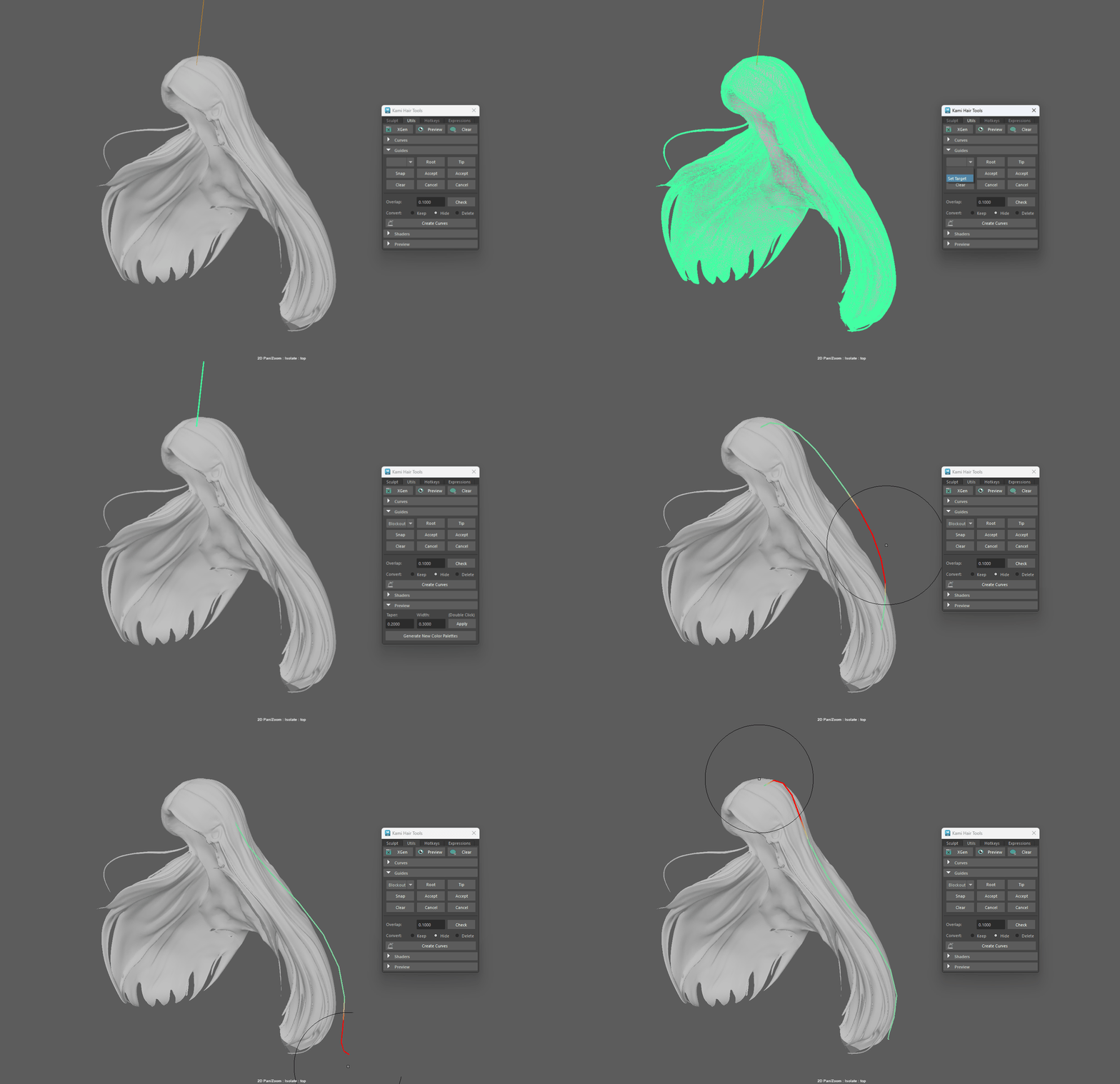
- Commands:
kami.snap('set')kami.snap('snap')kami.snap('clear')
Move Root(s)
- Select the first CV(s) of selecting guide(s) to perform root transformation.
- Tip: Press Root button or call
kami.root('move')again will accept the transformation.
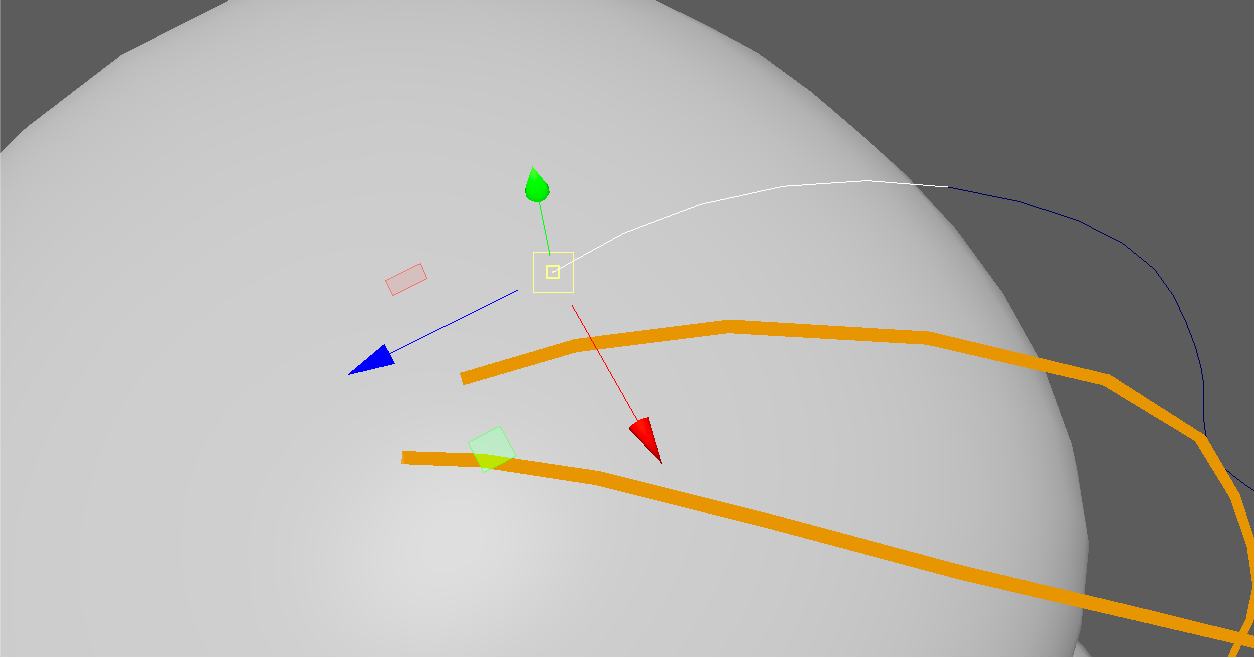
- Commands:
kami.root('move')kami.root('accept')kami.root('cancel')
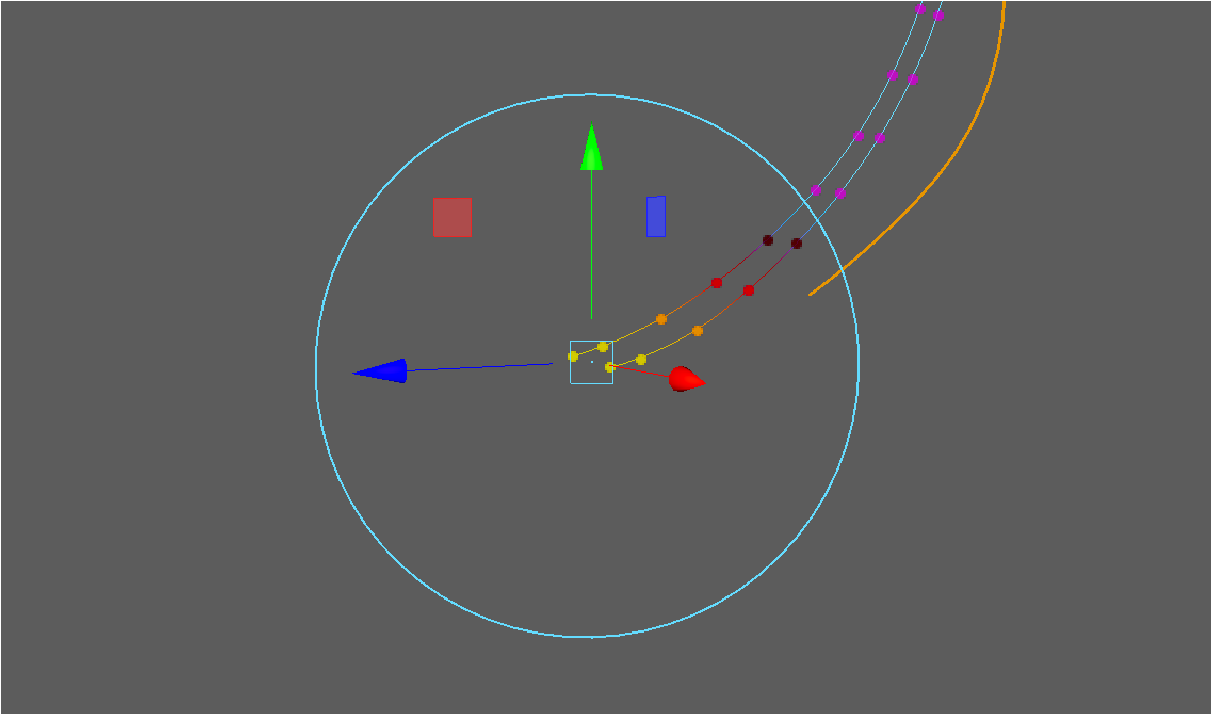
Move Tip(s)
- Select the last CV(s) of selecting guide(s) to perform tip transformation.
- Tip: Press Tip button or call
kami.tip('move')again will accept the transformation.
- Commands:
kami.tip('move')kami.tip('accept')kami.tip('cancel')
Check Overlap
- Detect overlapped guides in the current selection based on distance calculated from roots.
- Tip: Overlapping guides with smaller increment numbers will be detected first.
Guide to Curves
- Shortcuts to the native XGen / Utilities / Guides To Curves