

Kami Hair Tools - Utilities - Shaders
Instant look-dev controls allowing you to apply custom colors or a library of hair presets (like Golden Blonde or Soft Peach) to the collection.
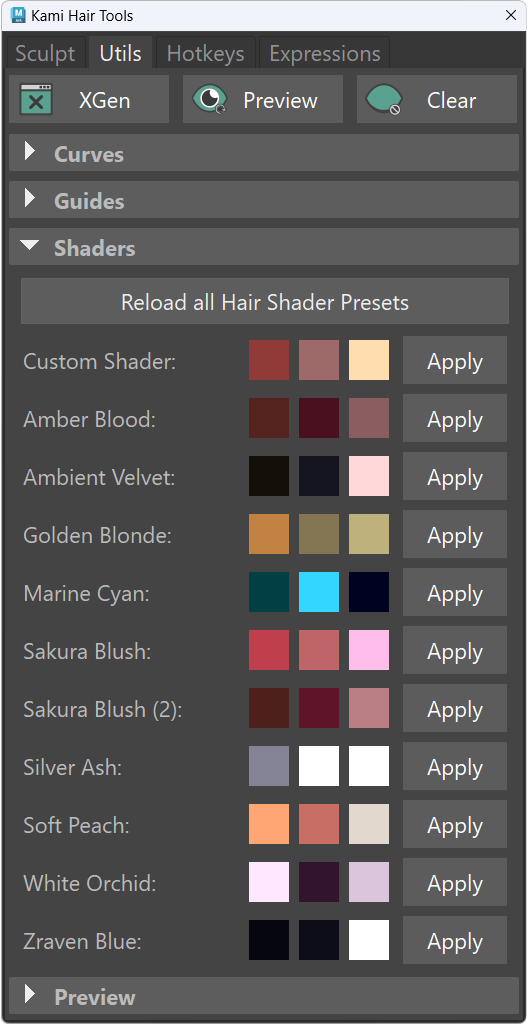
Shader Presets
- Instant look-dev using a library of curated hair shader presets.
- Single Click: Apply the preset to the current description.
- Double Click: Apply the color/preset to all shaders in the XGen collection.
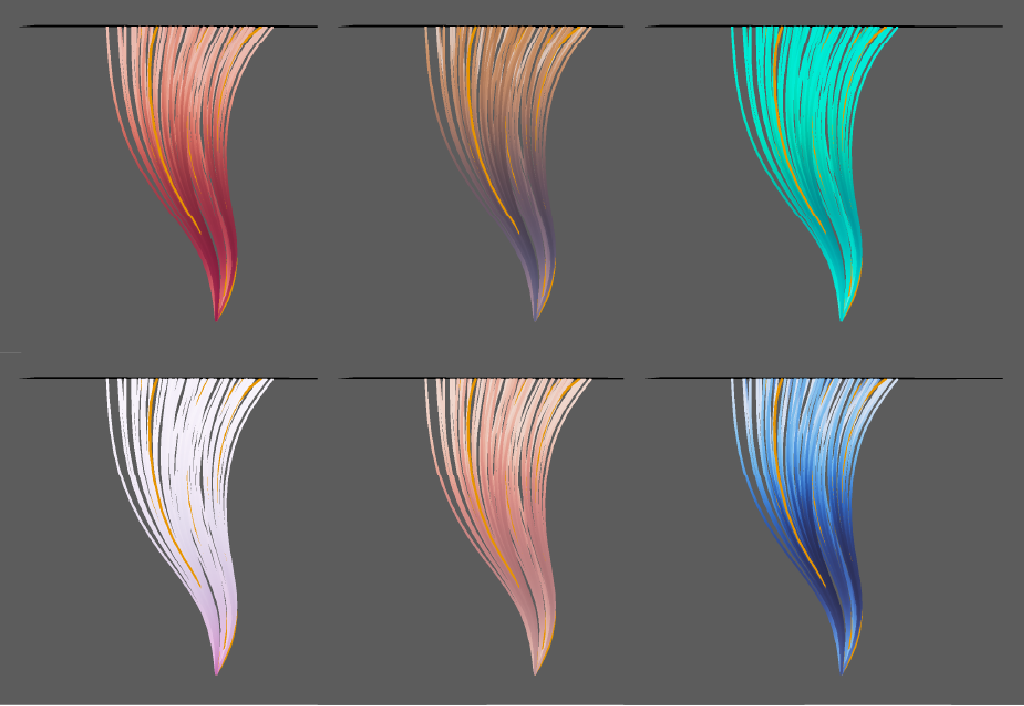
Custom Shaders
- Presets saved in the Attribute Editor are automatically added to the shader’s preset menu. This allows you to create custom settings or build variations of existing ones, such as lighter and darker versions of the same hair physical shader.
- For further customization or removing the provided presets, consider to change shader .mel files in the plugin
resourcesfolder.